"Internet and SIM cards in Thailand: A Visitor's Guide"
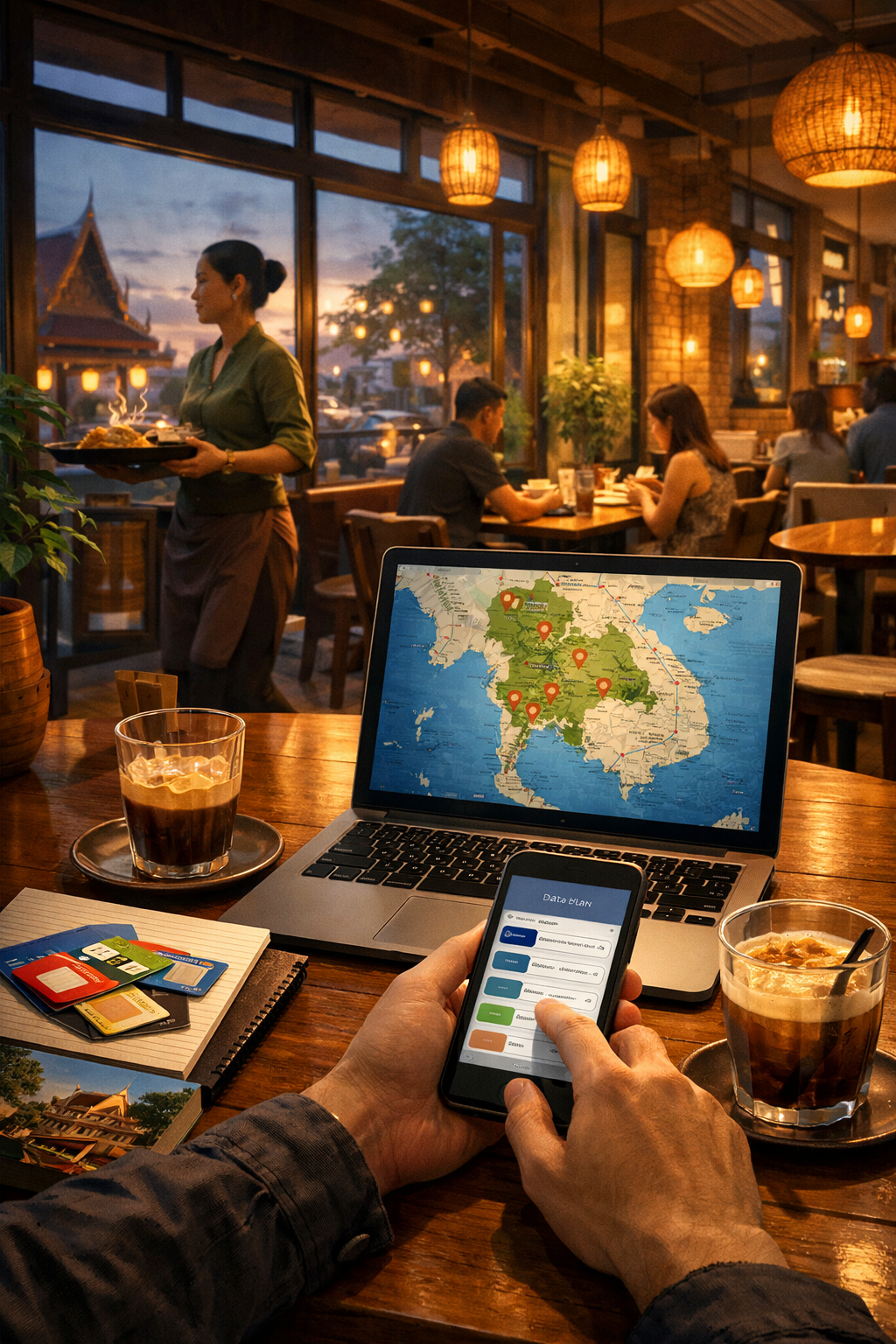
So, you're heading to Thailand! Land of smiles, delicious food, stunning temples, and… potentially patchy internet. Staying connected is crucial for navigating, translating, sharing your adventures, and keeping in touch with loved ones. But figuring out the best way to access the internet and mobile data in Thailand can be a little confusing. Don’t worry, this guide will break it all down, so you can enjoy your trip worry-free.
Why You'll Want Internet Access in Thailand
Before diving into the options, let's quickly cover why internet access is so useful. Beyond the obvious (social media!), it's essential for:
- Navigation: Google Maps is your best friend for getting around.
- Translation: Apps like Google Translate will help you understand menus and communicate.
- Ride-hailing: Grab (Southeast Asia’s equivalent of Uber) is widely used.
- Communication: WhatsApp, Messenger, and other apps are vital for staying in touch.
- Accommodation & Tours: Booking and managing these online is much easier.
Your Options: WiFi vs. SIM Card
You essentially have two main choices: relying on WiFi or getting a local SIM card. Let's look at each in detail.
1. WiFi: Convenient, But Not Always Reliable
- Availability: WiFi is readily available in most tourist areas. You'll find it in hotels, guesthouses, cafes, restaurants, and co-working spaces.
- Quality: The quality can vary greatly. Some places offer fast and reliable connections, while others… not so much. Expect occasional dropouts and slower speeds.
- Free WiFi: Many establishments offer free WiFi, but be cautious. Public WiFi networks are often less secure. Avoid accessing sensitive information (like banking details) on unsecured networks. Using a VPN (Virtual Private Network) is a good way to add an extra layer of security (more on that later).
- Paid WiFi: Some places offer paid WiFi services, which are often faster and more reliable than free options.
2. Local SIM Cards: The Freedom of Mobile Data
This is often the best option for most travelers. Having your own SIM card gives you consistent internet access wherever you go.
- Benefits:
- Convenience: Internet access wherever you are.
- Cost-effective: Usually cheaper than roaming charges.
- Local Phone Number: You'll have a Thai phone number, which can be useful for booking tours or taxis.
- Providers: The main providers are AIS, DTAC, TrueMove H, and JAS. AIS and DTAC are generally considered to have the best coverage.
- Data Packages: These providers offer a variety of data packages to suit different budgets and needs. You can find packages ranging from a few gigabytes to unlimited data.
- Where to Buy:
- Suvarnabhumi Airport (BKK) & Don Mueang Airport (DMK): SIM cards are readily available at kiosks in the arrival halls. This is the most convenient option, especially if you arrive late at night.
- AIS Shops, DTAC Shops, TrueMove H Shops: These stores are located throughout major cities and tourist areas.
- 7-Eleven: You can often purchase SIM cards and top-up data at 7-Eleven convenience stores.
- Online: Some providers offer online SIM card purchases that can be picked up upon arrival.
Step-by-Step Guide to Buying a SIM Card
- Arrive and Locate a Provider: Upon arrival at the airport, head to one of the SIM card kiosks (AIS, DTAC, TrueMove H). If you're not at the airport, find a shop or 7-Eleven.
- Choose Your Package: Tell the salesperson how much data you think you’ll need. If you’re unsure, err on the side of getting more. It’s better to have extra than run out. Consider how much you’ll be using maps, social media, and video calls. A 15-25GB package is often a good starting point for a week-long trip.
- Show Your Passport: You'll need to present your passport to register the SIM card.
- Pay and Activate: Pay for the SIM card and data package. The salesperson will usually activate the SIM card for you.
- Insert the SIM Card: Make sure your phone is turned off before inserting the new SIM card. You may need to ask the salesperson to cut the SIM card to the correct size for your phone.
- Test Your Connection: Turn your phone back on and check that you have a data connection.
Important Considerations & Tips
- Unlocked Phone: Your phone must be unlocked to use a local SIM card. If your phone is locked to a specific carrier, you won't be able to use a Thai SIM card. Contact your current carrier to unlock your phone before you travel.
- Data Roaming: Avoid using data roaming from your home country – it's incredibly expensive!
- eSIM: If your phone supports eSIM (embedded SIM), you can often purchase and activate a Thai eSIM digitally, even before you arrive. This eliminates the need for a physical SIM card. Check with providers like Airalo or Holafly.
- VPN (Virtual Private Network): As mentioned earlier, a VPN encrypts your internet traffic and protects your data, especially when using public WiFi. Consider using a VPN for added security. Popular options include NordVPN, ExpressVPN, and Surfshark.
- Top-Up Data: When your data runs out, you can easily top-up your data package at a provider store, 7-Eleven, or online.
- Keep Your SIM Card Safe: Treat your SIM card like cash. Losing it can be a hassle to replace.
Summary & Checklist
Here's a quick recap to help you stay connected in Thailand:
- Decide on your method: WiFi or SIM card (SIM card is generally recommended).
- Check your phone's unlock status: Ensure it's unlocked to use a local SIM.
- Consider an eSIM: If your phone supports it, this is a convenient option.
- Budget for data: Estimate your data usage and choose a suitable package.
- Have your passport ready: Required for SIM card registration.
- Protect your data: Use a VPN when on public WiFi.
- Keep your SIM card safe: Treat it like cash.
Enjoy your trip to Thailand! With a little preparation, you'll be connected and ready to explore all that this amazing country has to offer. Don't hesitate to ask for help from the friendly locals – they're usually happy to assist!
TITLE: Internet and SIM cards in Thailand: A Visitor's Guide BODY:
So, you're heading to Thailand! Land of smiles, delicious food, stunning temples, and… potentially patchy internet. Staying connected is crucial for navigating, translating, sharing your adventures, and keeping in touch with loved ones. But figuring out the best way to access the internet and mobile data in Thailand can be a little confusing. Don’t worry, this guide will break it all down, so you can enjoy your trip worry-free.
Why You'll Want Internet Access in Thailand
Before diving into the options, let's quickly cover why internet access is so useful.
- Navigation: Google Maps is your best friend for getting around.
- Translation: Apps like Google Translate will help you understand menus and communicate.
- Ride-hailing: Grab (Southeast Asia’s equivalent of Uber) is widely used.
- Communication: WhatsApp, Messenger, and other apps are vital for staying in touch.
- Accommodation & Tours: Booking and managing these online is much easier.
Your Options: WiFi vs. SIM Card
You essentially have two main choices: relying on WiFi or getting a local SIM card. Let's look at each in detail.
1. WiFi: Convenient, But Not Always Reliable
- Availability: WiFi is readily available in most tourist areas. You'll find it in hotels, guesthouses, cafes, restaurants, and co-working spaces.
- Quality: The quality can vary greatly. Some places offer fast and reliable connections, while others… not so much. Expect occasional dropouts and slower speeds.
- Free WiFi: Many establishments offer free WiFi, but be cautious. Public WiFi networks are often less secure. Avoid accessing sensitive information (like banking details) on unsecured networks. Using a VPN (Virtual Private Network) is a good way to add an extra layer of security (more on that later).
- Paid WiFi: Some places offer paid WiFi services, which are often faster and more reliable than free options.
2. Local SIM Cards: The Freedom of Mobile Data
This is often the best option for most travelers. Having your own SIM card gives you consistent internet access wherever you go.
- Benefits:
- Convenience: Internet access wherever you are.
- Cost-effective: Usually cheaper than roaming charges.
- Local Phone Number: You'll have a Thai phone number, which can be useful for booking