Thailand SIM Cards: Types, Costs & Where to Buy
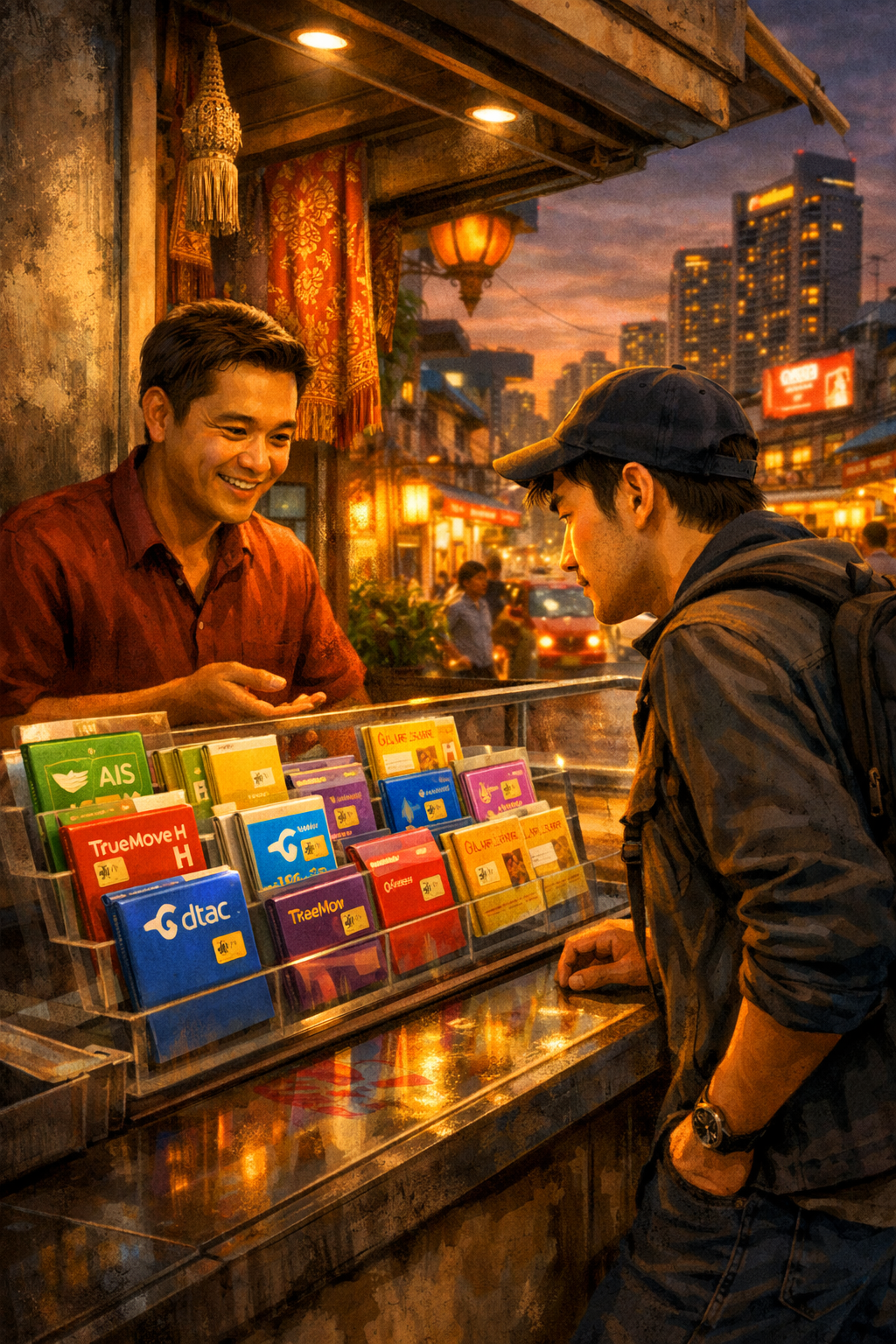
So, you’re heading to Thailand! Get ready for incredible food, stunning temples, and breathtaking beaches. But before you dive into all the adventure, let’s talk about staying connected. Reliable internet access is a huge help for navigation, booking accommodations, contacting loved ones, and sharing those amazing photos. The good news? Getting a local SIM card in Thailand is incredibly easy and much cheaper than relying on international roaming. This guide will walk you through everything you need to know, from the different types of SIMs available to where you can buy them and what to expect.
Why Get a Local SIM Card in Thailand?
Let's be honest, international roaming charges can be brutal. Using your home carrier's data plan in Thailand will likely result in hefty bills. A local SIM card offers a far more economical solution, providing you with a Thai phone number and data access at significantly lower rates. Plus, it's a great way to avoid those frustrating roaming overage fees!
Types of Thailand SIM Cards
There are generally three options when it comes to getting a SIM card in Thailand: tourist SIMs, regular SIMs, and eSIMs. Let’s break down each one.
- Tourist SIMs (Prepaid SIMs): These are specifically designed for short-term visitors and are the easiest option for most travelers. They come with pre-loaded data allowances, often with validity periods ranging from 7 to 30 days. They are readily available at the airport, convenience stores, and mobile phone shops. Tourist SIMs often include unlimited calls to Thai numbers and a limited number of calls to international numbers.
- Regular Prepaid SIMs: These are the standard SIM cards used by Thai residents. While they offer competitive rates and longer validity periods (often 12 months, automatically renewing), they require a copy of your passport and may involve a slightly more complicated registration process. They're a good choice if you're planning a longer stay.
- eSIMs: For those with compatible phones (check if your phone supports eSIM before you go!), eSIMs are a fantastic option. They are digital SIM cards that you can download and activate remotely, without needing to physically swap out your SIM card. This is particularly convenient if you want to keep your existing SIM card active for work or other purposes. We'll cover eSIMs in more detail later.
Comparing Costs: What to Expect
Pricing can vary depending on the provider and the data allowance you choose. Here’s a general idea of what you can expect:
- Tourist SIMs (7-day): Around 300-500 THB (approximately $8-$14 USD) for 10-20 GB of data.
- Tourist SIMs (15-day): Around 500-800 THB (approximately $14-$22 USD) for 15-30 GB of data.
- Tourist SIMs (30-day): Around 800-1200 THB (approximately $22-$33 USD) for 30-50 GB of data.
- Regular Prepaid SIMs: Data packages start around 200 THB (approximately $5.50 USD) for a smaller data allowance, with larger packages costing more. Validity periods are longer, so the overall cost per month can be lower if you use a lot of data.
- eSIMs: Prices vary widely depending on the provider and data allowance, but generally fall within the same range as tourist SIMs.
Where to Buy Your SIM Card
You have several convenient options for acquiring a SIM card:
- Suvarnabhumi Airport (BKK) & Don Mueang Airport (DMK): Numerous kiosks from major providers like AIS, TrueMove H, and dtac are located in the arrival halls. This is the most convenient option for many travelers, allowing you to get connected immediately upon arrival. Be prepared for slightly higher prices at the airport compared to other locations.
- Convenience Stores (7-Eleven, FamilyMart): These stores often have SIM card vending machines or counter staff who can assist you. The selection might be more limited than at the airport, but the prices are usually more competitive.
- Mobile Phone Shops: Shops like AIS Shop, TrueMove H Shop, and dtac Shop offer a wider range of SIM cards and can provide more personalized assistance.
- Online Retailers: Websites like Klook and Airalo offer eSIM options and sometimes physical SIM cards for delivery. This can be a good option if you want to pre-book and compare prices.
Step-by-Step: Getting a Tourist SIM at the Airport
- Locate a SIM Card Kiosk: Look for kiosks displaying the logos of AIS, TrueMove H, or dtac.
- Choose a SIM Card: Explain to the staff how long you'll be in Thailand and how much data you think you'll need. They can recommend a suitable package.
- Present Your Passport: You'll need to show your passport for registration.
- Pay and Activate: Pay for the SIM card and have the staff activate it. They'll usually insert the SIM card into your phone for you.
- Keep Your Receipt: The receipt contains important information, including your PIN and top-up instructions (if needed).
eSIMs: A Modern Approach
If your phone is eSIM compatible, this is a truly hassle-free option. Here's how it works:
- Check Compatibility: Confirm that your phone supports eSIM technology. Most recent iPhones, Samsung Galaxy phones, and Google Pixel phones do.
- Purchase an eSIM Profile: You can purchase an eSIM profile from providers like Airalo, Holafly, or from the same providers (AIS, TrueMove H, dtac) that offer physical SIMs.
- Scan the QR Code: After purchasing, you’ll receive a QR code. Scan this code using your phone's camera or a QR code scanning app.
- Follow the Instructions: Your phone will prompt you to install the eSIM profile. Follow the on-screen instructions.
- Activate Your Data: Once installed, your data connection should be activated automatically.
Important Tips & Considerations
- Data Top-Ups: Tourist SIMs usually have a fixed data allowance. Once it's used up, you can top up your data by purchasing an additional package.
- Registration: While tourist SIMs generally don’t require extensive registration, be prepared to show your passport. For regular SIM cards, the registration process is more involved and requires more detailed information.
- Language Barrier: While most staff at the airport kiosks and mobile phone shops speak some English, having a few basic Thai phrases can be helpful.
- Phone Unlocked? Make sure your phone is unlocked before you travel. If it's locked to a specific carrier, you may not be able to use a local SIM card.
Summary & Checklist
Getting a local SIM card in Thailand is a simple process that will significantly enhance your travel experience. Here's a quick recap:
- Decide on a SIM Type: Tourist SIM, Regular SIM, or eSIM.
- Check eSIM Compatibility: If considering an eSIM.
- Compare Prices & Data Allowances: Consider your usage needs.
- Choose a Provider: AIS, TrueMove H, or dtac are all reputable options.
- Purchase Your SIM: At the airport, convenience store, mobile phone shop, or online.
- Register Your SIM (if required): Show your passport.
- Activate Your Data: Follow the instructions provided.
- Keep Your Receipt: For top-ups and reference.
Enjoy your trip to Thailand, and stay connected!
TITLE: Thailand SIM Cards: Types, Costs & Where to Buy BODY: